Guides to captions for short-form video
How to caption Reels, TikToks and Shorts in the apps you already use, and how to make the captions readable once they are on screen. Every fact about another app links to that app's own help.
Last updated
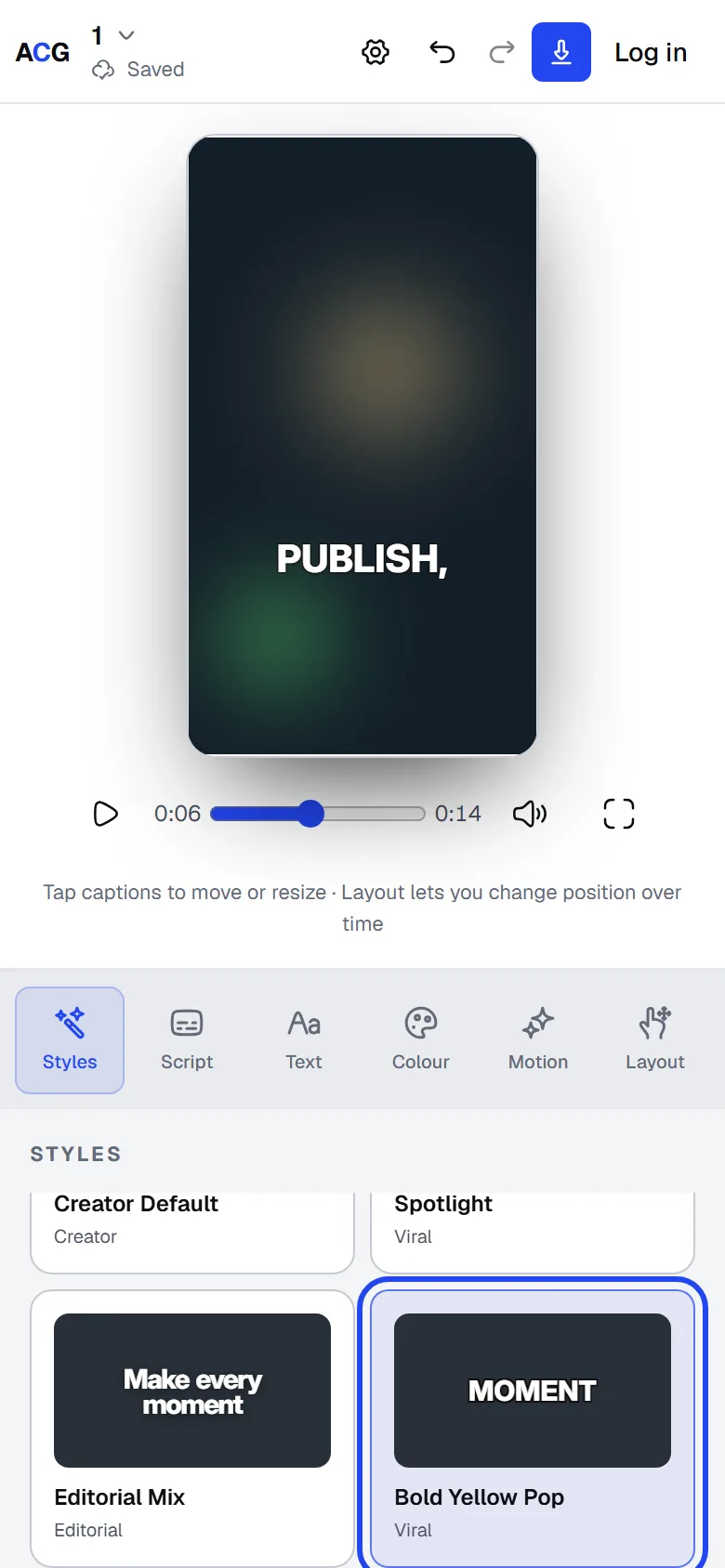
High-energy caption styles: when they help a short-form video and when they hurt
A high-energy caption style (big bold type, a few words at a time, pop-in motion, a coloured spoken word) helps a short-form video when the words are few, the speech is unhurried and the picture has room. It hurts when viewers must read whole sentences, when the text covers what the video shows, or when the subject is quiet: most tutorials and most stories.
Read the guide
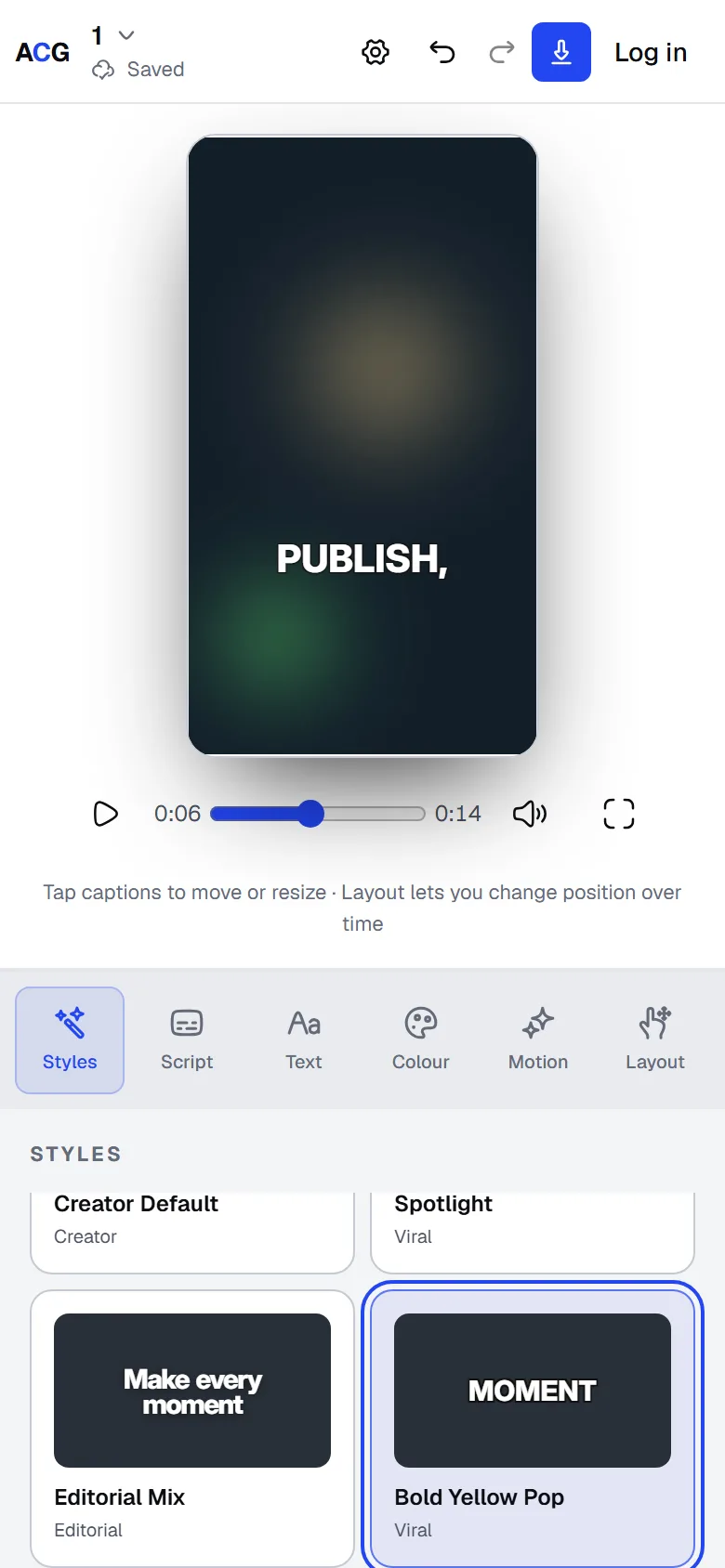
How to add captions to a video on iPhone
To add captions to a video on an iPhone, upload it to a caption tool in Safari, fix any misheard words, pick a style and download an MP4 with the captions burned in. Apple's Clips app used to make captions from your voice, but it is closed to new users, and iMovie, Instagram and YouTube each do only part of the job.
Read the guide
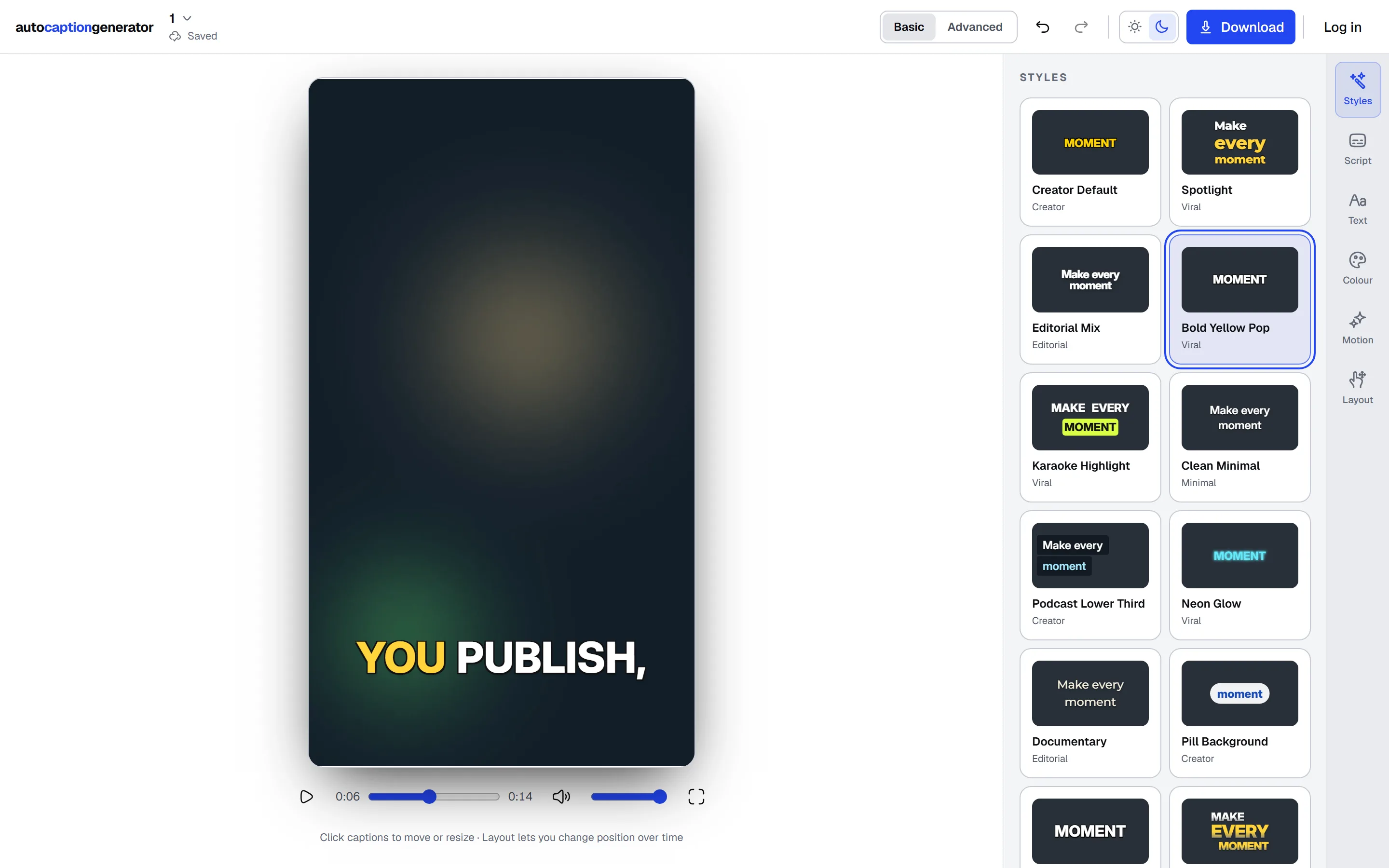
How to add auto captions in CapCut
CapCut can caption your video from its speech in the phone app, the desktop app and the browser editor. Here is where the button is in each, how to fix what it mishears, what to do when it makes nothing, and when a dedicated caption tool is the better fit.
Read the guide
Your next video, captioned.
Upload a clip and see your own words on screen before you create an account.